|
|

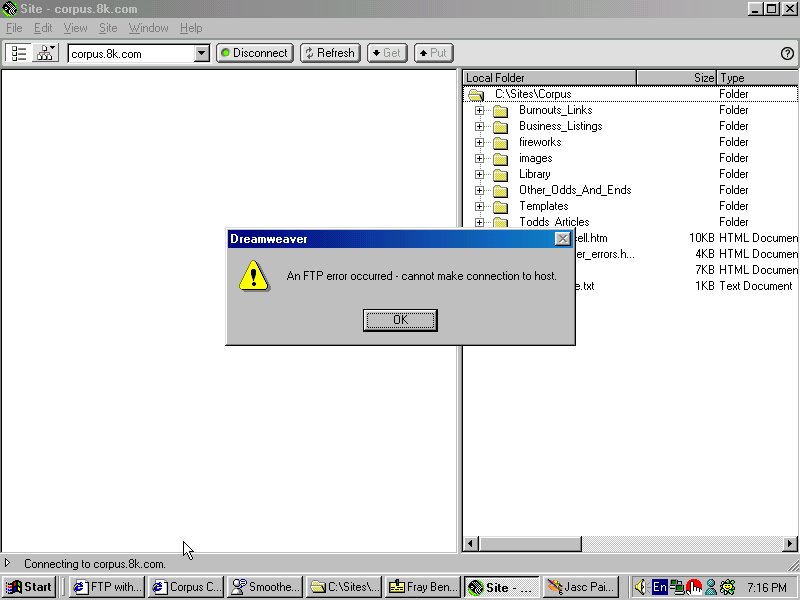
These are screen shots with a wise comment thrown in one

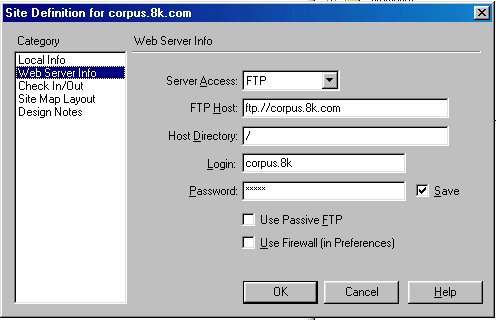
Then set the "web server info"
THIS PIC IS WRONG, IT SHOULD BE BLANK IN THE "HOST
DIRECTORY"
CORRECT PIC AT BOTOM OF PAGE
Then connect, or try to
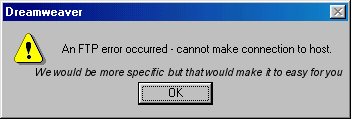
Please note, there are a few different dialogs in between these last few steps, but it is not possible for me to captue them. I do connect to the server because it is an entirely different problem "unable to find server"

This picture is of the connection indicator on dreamweaver, it shows up a split second before your server kicks me off
Also do you have any Apache servers that do not compress the files as much? i would like to upgrade and get on a server that does not have any dial ups on it, if you have one please let me know, or i will ask the sales, dept
Thank you for your time, i know you are in a crappy thankless place,
go visit dilbert sometime and take the edge off
Correct settings for Dreamweaver 3 to Freeservers .8k

This is the ful screen Sport, notice the Green indicator,
it finds the host OK on all three options, the # you gave, the FTP.corpus.8k.com
and the corpus.8k.com that you suggested.
It connects momentarily then disconnects, i am unable to capture this though.